![KOTEacher's solve screen. The problem K번째수 is on the left and Python code on the right. Line 5, answer.append(part[k]), is highlighted; the coach note under it shows the failing input [29, 10, 21] with [[3, 3, 1], [2, 2, 1]], which raises IndexError, and asks in Korean what k is when part has only one element. The test panel shows 0 of 3 passing.](/Hongs_Blog/assets/img/uploads/koteacher-cover.jpg)
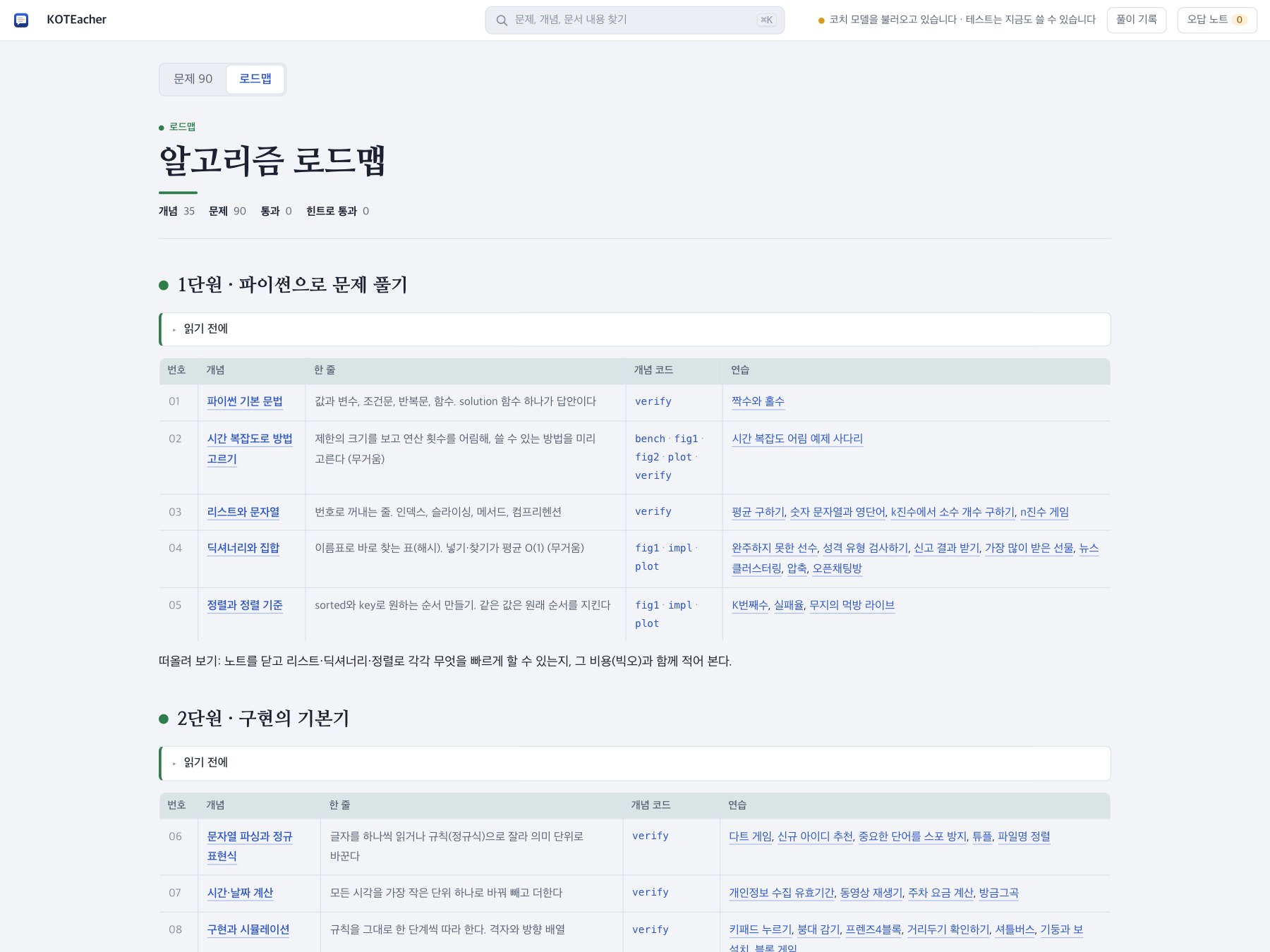
KOTEacher is KOTE (코테, short for “coding test” in Korean) plus Teacher. It is a practice app for the coding tests Korean companies give. It ships with 90 problems from Programmers, Levels 1 to 5, mostly past Kakao and PCCP questions, and the 35 algorithm concept notes from Studies · 알고리즘.
You write Python on the right. When you stop typing, the tests run. If something is wrong, a coach running on your own computer leaves a short question under the line it suspects. It never writes the fix for you.
The screenshot at the top is a real session on K번째수. The tests found a small failing input, and the coach marked line 5 and asked what k is when part has only one element. The fix (k - 1) is left to you.
It is free and open source. The macOS (Apple silicon) and Windows builds are on the releases page.
My role
A solo project: product design, the test harness, the coach pipeline and how it is evaluated, and packaging for macOS and Windows.
What I built
Problems from working solutions. Every problem comes from a solution that already passes in my notes. A capture step runs that solution’s own tests and records each call to solution with its input and expected answer. On top of the examples, every problem has hidden tests: hundreds of random inputs checked against the reference solution. When one fails, the app shows the smallest failing input it found. Student code runs in its own process, apart from the app.
A coach that asks. The coach works in stages: collect the facts (test results, the failing input, an execution trace), diagnose, put it into words, check the words for leaked answers, and decide whether to speak at all. Diagnosis starts without AI. A repair search tries small edits, and if a single edit fixes the code, the coach knows the exact line in about 0.1 seconds and shows a fixed sentence at once. The model’s own question replaces it when it is ready. Harder cases go to gemma4 with the execution trace.
Measured, not guessed. I built an evaluation set by planting bugs in the reference solutions: 258 with one bug and 81 with two. With one bug, the repair search fixes 94% without any AI and points at the right line about 96% of the time. With two bugs, the AI diagnosis finds the bug line 77% of the time (gemma4 12B). No answer leaked in any run. The same measuring picked the default model: on 12 test problems the smaller gemma4 e4b finished in about 5 seconds and hit the line 9 times out of 12, while the 12B model took about 9 seconds and hit it 6 times.
Faster first words. On a fanless MacBook Air M3 the model reads a prompt at 80 to 100 tokens per second and writes 9 to 11. So the app prepares ahead. It reads the problem and your code into the model when you open a problem and whenever you pause typing. Some of gemma4’s layers only look at the last 1,024 tokens, so Ollama can only reuse work up to the points it saved. The prompt is therefore split into separate messages, problem and code first and evidence last, so the saved part stays reusable. The coach’s first word now arrives about 35% sooner, 3.9 seconds instead of 6.4.
Practice like the real test. Exam mode turns off the auto-check, the coach and the hints. You run the examples (⌘↵) and submit (⌘⇧↵), and a submit shows only how many tests passed and the score. Pass without peeking at a counterexample or the coach, and the attempt is recorded as an exam pass.
Notes you can ask about. Concept notes render the vault’s Markdown with callouts, KaTeX math and Mermaid diagrams. Select any sentence in a note or a problem and ask the coach about it; the question and answer stay under that paragraph. A four-step hint ladder goes from “solve a small case by hand” to the full solution, and taking the second hint marks the attempt as wrong. Mistakes you fix land in a wrong-answer notebook on their own.
Local first, your choice of model. By default the coach runs in Ollama on your machine, and your code never leaves it. If the computer is too slow, you can switch to OpenAI, Anthropic, Gemini, OpenRouter, Groq or any OpenAI-compatible server with your own key. Without any AI, the tests, counterexamples and notes still work.
Shipping. The macOS app and dmg are built with PyInstaller. A GitHub Actions workflow builds the Windows installer (Inno Setup) and a portable zip whenever a version tag is pushed. One-line install scripts cover macOS, Linux and Windows. The Windows builds have not been tried on a real Windows PC yet.
Result
Eight releases went out on its first day, from 0.1.0 to 0.2.6. The code is MIT-licensed on GitHub.
Focus: local LLM tooling · test harness · evaluation · desktop packaging