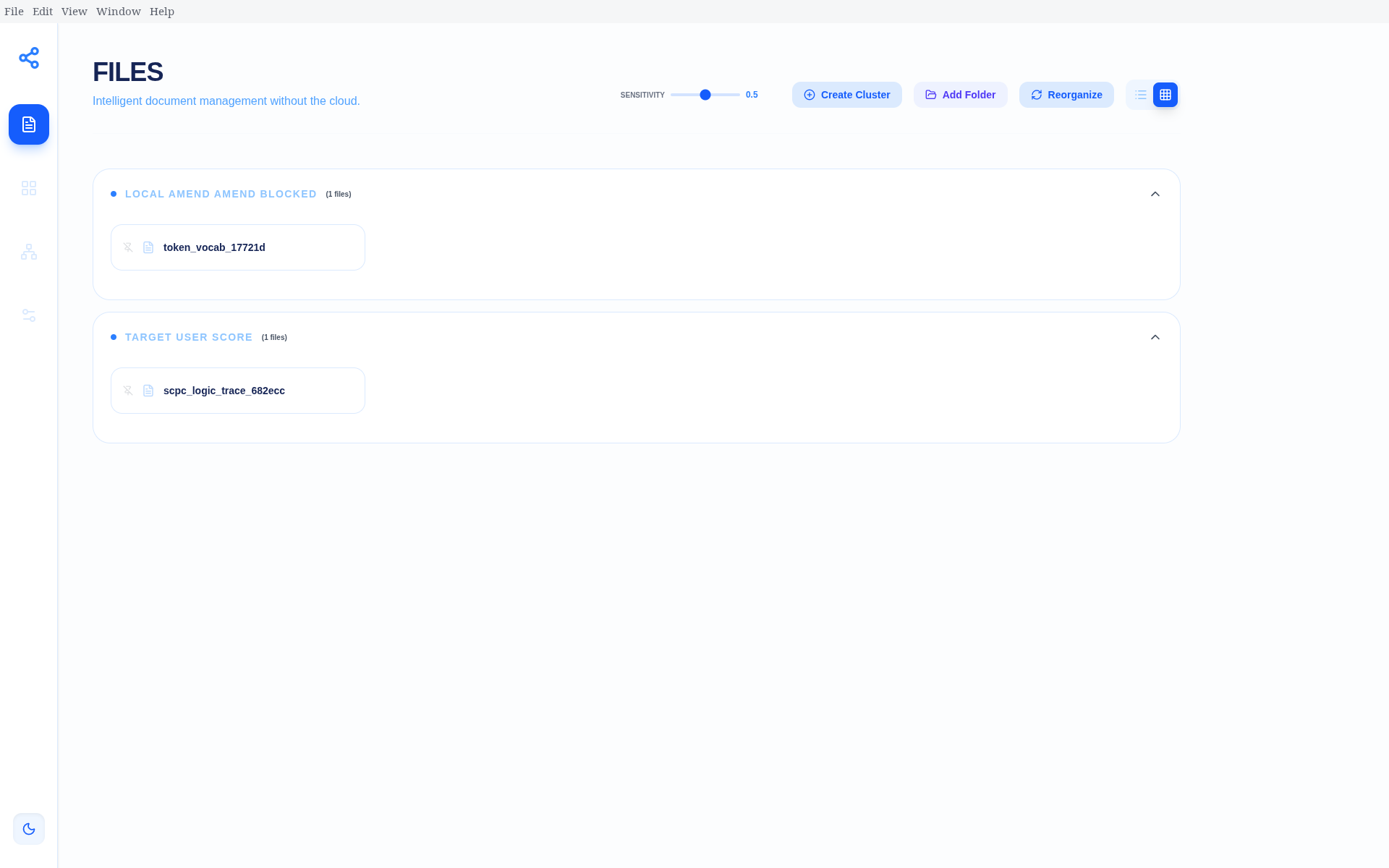
DocSim Desktop (Alpha)
Automated Document Intelligence & Knowledge Mapping Suite
DocSim Desktop is a high-performance, local-first application that transforms unstructured document collections into structured, semantically grouped “Intelligence Clusters”. It uses modern machine learning and vector embeddings to provide automated organization, interactive relationship mapping, and sophisticated Markdown editing—all without your data ever leaving your machine.
✨ Key Features
- Multi-Format Ingestion: Supports PDF, Word (
.docx,.doc), PowerPoint (.pptx,.ppt), Excel (.xlsx,.xls), Markdown, JSON, Text, and CSV. - AI Image Recognition (OCR): Automatically extracts text from images (
.png,.jpg,.jpeg,.webp) using Tesseract OCR. - Semantic Organization: Groups similar files into clusters using Agglomerative Hierarchical Clustering.
- Incremental Sync: Intelligently updates your library, processing only new or modified files.
- Pinned Clusters: “Anchor” files to specific clusters to make them permanent.
- Interactive Visualization:
- Neural Graph: Explore document relationships in a dynamic force-directed graph.
- Stats Dashboard: View distribution bar charts and library metrics.
- Sophisticated Markdown Editor: An Obsidian-like editing experience with live preview, full-screen mode, and syntax highlighting.
- Custom Knowledge Hubs: Manually define clusters with names and descriptions; the AI will suggest matching files from your library.
🛠 Tech Stack
- Backend: Python 3.10+, FastAPI, NumPy, Scikit-learn, PyPDF2, Pandas, Openpyxl.
- ML Models: Sentence-Transformers (
paraphrase-multilingual-MiniLM-L12-v2) - runs locally. - Frontend: Next.js 15, React 19, Tailwind CSS 4.
- Desktop: Electron 41.
- OCR: Tesseract-OCR.
🚀 Getting Started
1. Prerequisites
- Python 3.10+
- Node.js 20+
- Tesseract OCR:
- Arch Linux:
sudo pacman -S tesseract tesseract-data-eng tesseract-data-kor - Ubuntu/Debian:
sudo apt install tesseract-ocr tesseract-ocr-eng tesseract-ocr-kor - macOS:
brew install tesseract
- Arch Linux:
2. Installation
# Clone the repository
git clone https://github.com/Hong-Iron/DocSim.git
cd DocSim

# Set up Python virtual environment
python -m venv venv
source venv/bin/activate  # On Windows: venv\Scripts\activate
pip install -r requirements.txt

# Install Frontend dependencies
cd gui
npm install
cd ..
3. Launching the App
DocSim comes with a one-click launch suite. It builds and serves a production frontend by default (the first launch takes a bit longer while it builds once):
python launch.py
Pass --dev to run the Next.js dev server (hot-reload) instead, when actively working on the frontend:
python launch.py --dev
📂 Project Structure
api.py: FastAPI backend orchestrator.launch.py: Unified launcher for Backend, Frontend, and Electron.src/: Core intelligence engine (Ingestion, Embedding, Clustering).gui/: Next.js React application.data/: Local storage for internal index and vector cache.
🛡 Security & Privacy
DocSim is designed with a Zero-Cloud Dependency philosophy.
- No data is uploaded to any server.
- Embedding models are downloaded once and run entirely on your local CPU/GPU.
- Internal storage (
data/) is kept within the project folder. - The local API only binds to
127.0.0.1and only accepts requests from the app’s own frontend origin.